

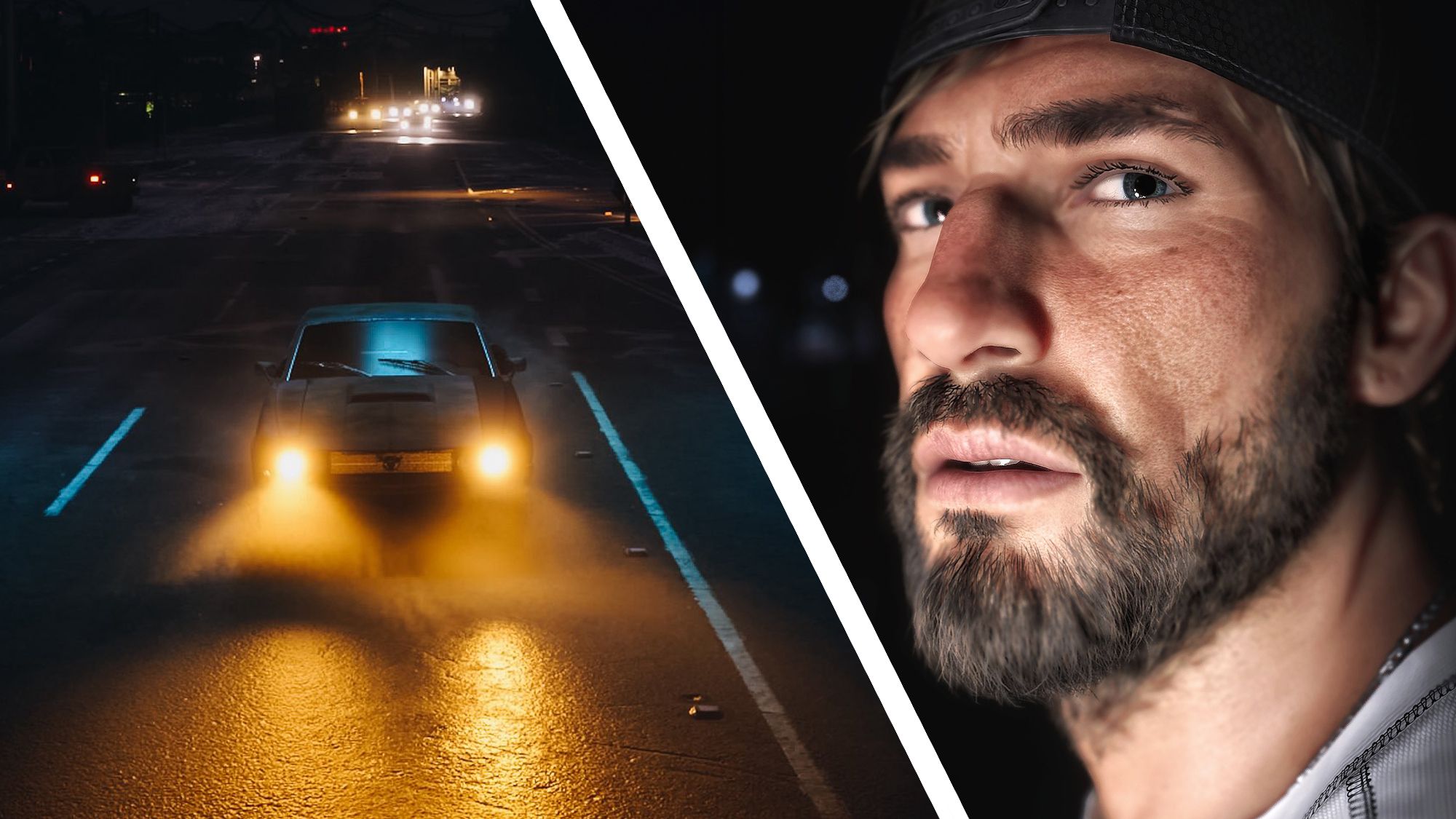
GTA 6 players have started praising the game’s in-game photography mode, known as the Photo Studio, with some calling it a “cinematography simulator”. The mode offers dozens of editing options, and several early players say they are spending more time taking pictures than playing the missions. Early reviews have also described the game’s visuals as “graphically beautiful and striking”.
How to find the GTA 6 Photo Studio
The Photo Studio can be opened by pausing the game and pressing the square button on the PlayStation 5 or the X button on Xbox. Once it is open, players get access to a wide set of controls that go well beyond basic camera settings. Options such as aspect ratio, depth-of-field control, exposure adjustments and film grain are all available, giving players a level of control that many casual screenshot tools do not offer.
Photo mode is not a new idea in games. Many titles have included some form of virtual camera for years, letting players pose characters, adjust the frame and apply filters. What stands out in GTA 6 is the depth of its editing tools, which players say make the mode feel closer to a dedicated photography app than a simple screenshot feature.
Lighting tools and filters
The Lighting section is the feature drawing the most attention. It lets players add layers, also called slots, to shape the light in a scene. Each light can be moved around the frame and adjusted for size, intensity and beam angle. Those controls allow players to build moody, directional light setups similar to those used on real film sets.
Beyond lighting, the Photo Studio includes 17 different filters and a vignette setting. The vignette darkens the edges of the frame to draw the viewer’s eye toward the subject. Players can combine these tools with the lighting layers to create highly stylized images.
Filmmaker Patrick Tomasso has been one of the most visible supporters. He called GTA 6 a “cinematography simulator” and shared neo-noir style shots taken in photo mode, citing the custom lighting and editing tools as the reason he enjoyed playing with them.
Where players want more
Not every feature is complete. As IGN has noted, players cannot yet adjust the facial expressions of characters such as Jason and Lucia, or change their poses. Some players argue that the limitation fits the spirit of real photography, where part of the appeal is capturing moments that cannot be repeated. Others see it as a feature that could be added in a later Photo Studio update.
The argument for an update is partly based on what the game already allows. Players can already adjust a vehicle’s headlights, turn signals and other elements in post-production, so posing characters or changing their expressions could be a logical next step.

How the Photo Studio compares and what it means for players
Some users on X have said Rockstar may have “accidentally shipped the best camera app of the year”. Even with the missing features, the Photo Studio already has enough depth for virtual photographers. It could be mentioned alongside some of the strongest photo modes in gaming, including those in Cyberpunk 2077 and Ghost of Tsushima.
Because GTA 6 is built on real-world physics, traditional photography rules still apply. Composition, framing and lighting choices all affect the final image, so players who learn those basics may get more out of the mode. A short video demonstration has also circulated showing several of the options in action.
The Photo Studio is one of the many features that players have been discussing since the game’s release. For now, its lighting, filter and editing tools are the parts drawing the most praise, while the lack of character pose and expression controls remains the most common request.