

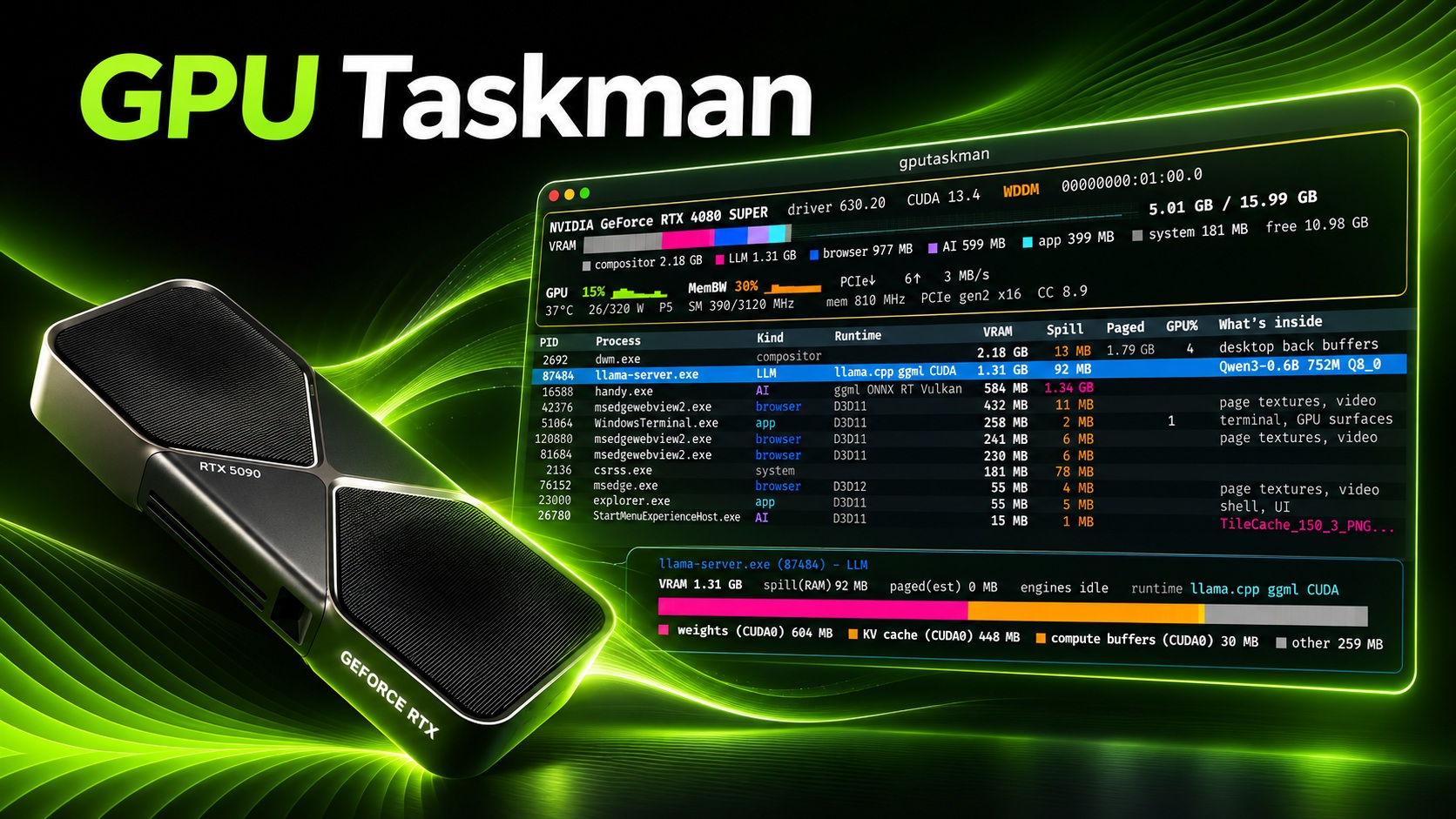
GPU Taskman is a new open-source utility that breaks down where graphics memory goes on a PC, down to individual processes and local AI models. Scott Hanselman, Vice President and Member of Technical Staff at Microsoft and GitHub, built the tool and published it as gputaskman. It aims to answer a question that conventional monitoring tools often leave open: what exactly is using the VRAM on a graphics card.
Why the developer built it
Hanselman explained the project in a post on X on November 3. He said he wanted better visibility into what was consuming his GPU memory, and he invited other developers to contribute code. The project is hosted on GitHub under the name gputaskman.
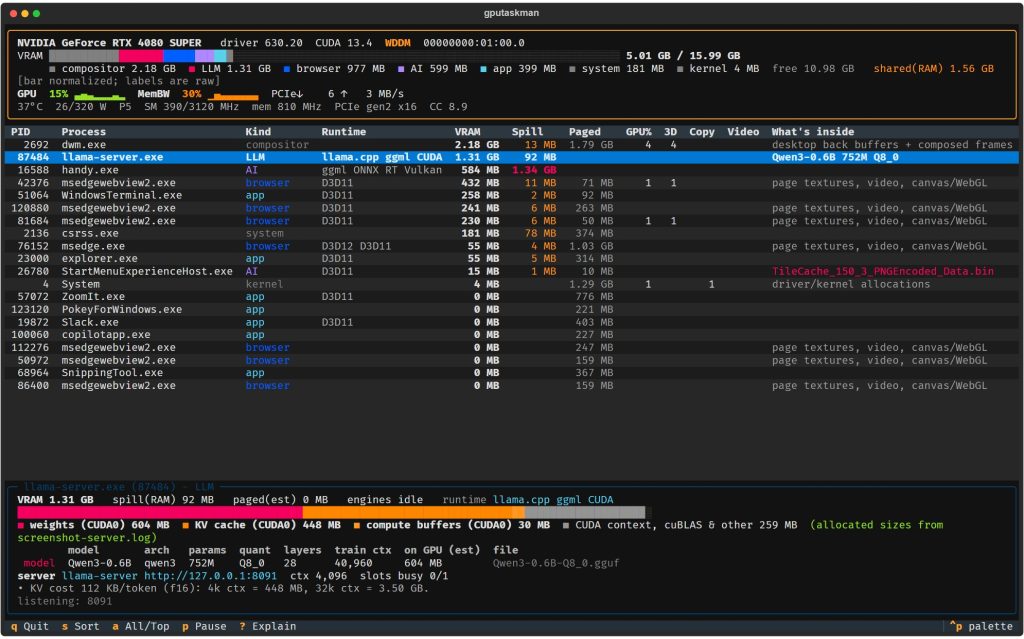
Windows Task Manager already reports GPU memory for each process. GPU Taskman goes further by combining VRAM consumption, GPU-accessible system memory, individual process activity and hardware telemetry in one terminal-based interface. Instead of a single figure, the tool attempts to show which workloads are behind it.
What the interface displays
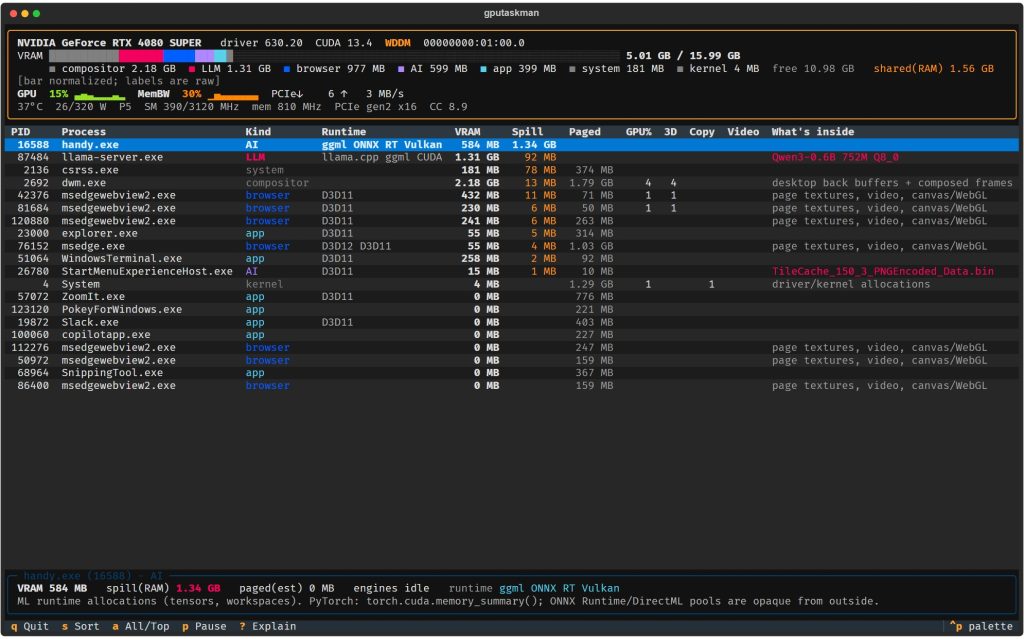
The tool reports GPU utilization, VRAM usage, temperature, power consumption, clock speeds, memory activity and PCIe statistics. Alongside those readings, it lists the processes that consume GPU resources. It can also sort them by workload type, separating desktop compositing, web browsers, games and AI applications.
That breakdown can help when a system shows excessive VRAM consumption or when a GPU leans heavily on system memory. Users can see which category is responsible rather than guessing from a total.
- GPU load, VRAM use, temperature, power draw and clock speeds
- Memory activity and PCIe bandwidth statistics
- Per-process GPU memory and engine activity
- Workload grouping for compositing, browsers, games and AI apps
Identifying local AI models and their memory
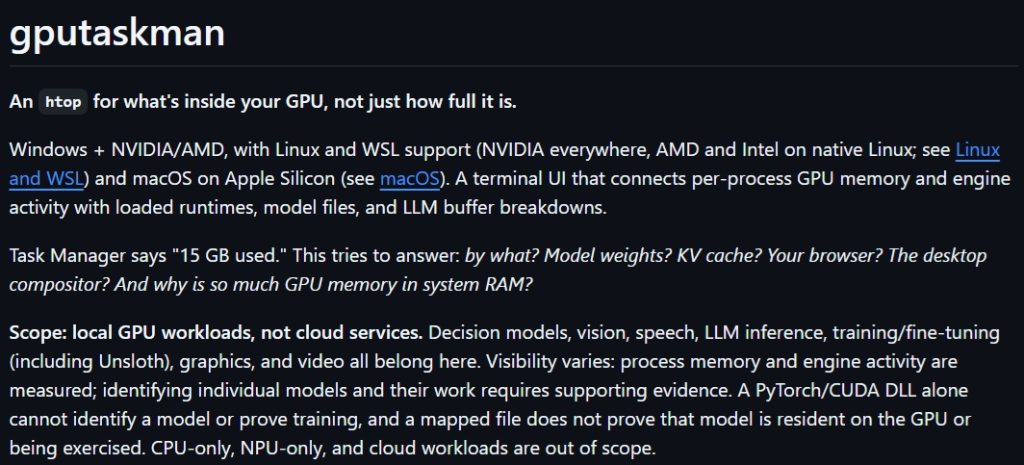
According to the project’s GitHub documentation, the most distinctive feature is support for local AI workloads. GPU Taskman can identify supported AI models and report details about their architecture, quantization, parameter counts, model weights and estimated KV-cache requirements.
The utility currently recognizes several runtimes and applications, including llama.cpp, Ollama and LM Studio. The level of detail depends on the runtime and on how much information it exposes. Rather than reporting that an AI application uses several gigabytes of VRAM, the tool can separate memory assigned to model weights from memory tied to the KV cache and compute buffers.
The tool gathers this information by combining operating-system GPU counters with process metadata, model files, runtime logs and local APIs. Some model-specific figures are estimates rather than direct measurements of GPU allocations, and the documentation makes that distinction clear.
Limits and what the tool cannot show
Hanselman cautions that GPU-accessible system RAM usage does not necessarily mean VRAM is overflowing. The tool also cannot identify individual game textures or determine exactly which resources have been evicted from video memory. Those limits matter because a high system RAM figure alone does not prove a memory shortage.
Gamers may still find the data useful. Excessive VRAM pressure can contribute to stuttering when applications increasingly rely on slower system memory, and GPU Taskman can help show when that is happening.
Platform support and the latest release
GPU Taskman supports NVIDIA and AMD GPUs on Windows 10 and 11. It also runs on Linux, Windows Subsystem for Linux (WSL) and Apple Silicon Macs running macOS. Capabilities vary by platform and hardware.
Development is moving quickly. The latest release, v0.3.5, was published on November 10. It adds Intel GPU support on Linux, CPU and system RAM monitoring, and more options for recording GPU statistics.
The utility is distributed under the MIT license and can be downloaded from its GitHub Releases page. Portable Windows builds run without a separate Python installation, and the application can also be installed through PyPI.
What comes next for GPU Taskman
The project is still experimental, and some monitoring features need further validation across different hardware configurations. Its README states that some capabilities depend on available evidence, so the tool does not claim to confirm that a model is resident on the GPU just because a file is mapped. Hanselman’s invitation to contributors suggests the feature set will keep expanding, and the next releases will show how far the Intel and macOS support develops.