

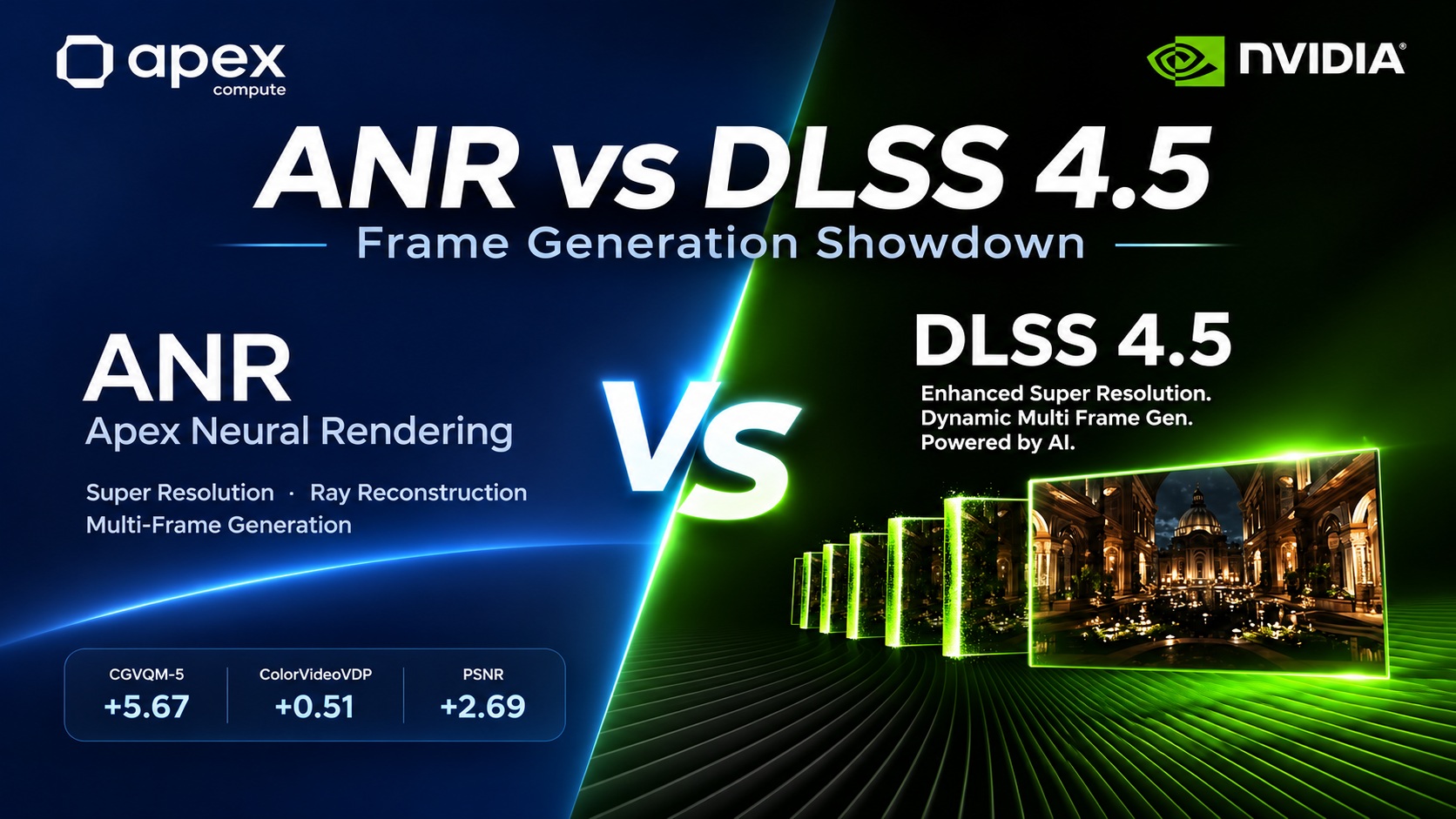
Apex Neural Rendering, an AI-powered rendering suite from Apex Compute, delivered higher average frame rates than NVIDIA DLSS in Valor Mortis, but it fell behind in lower-percentile performance and frame pacing. The comparison covers 2X, 3X and 4X multi frame generation across three PC games.
What Apex Neural Rendering promises
Frame generation inserts artificially generated frames between frames rendered by the game engine. NVIDIA DLSS, Intel XeSS and AMD FSR all offer versions of the technique. Apex Compute says Apex Neural Rendering delivers better image quality, faster frame generation processing and lower GPU memory use than DLSS (M)FG.
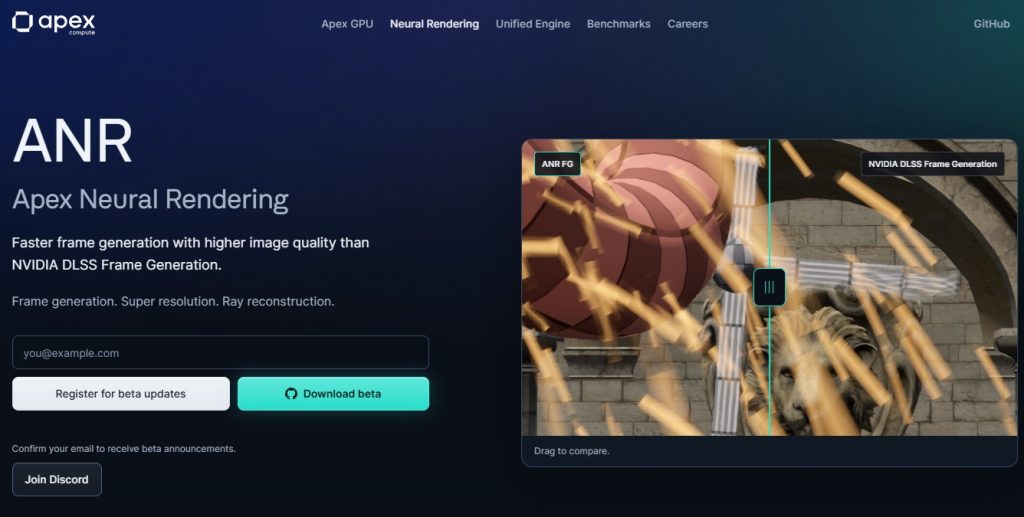
The suite has three components: Frame Generation, Super Resolution and Ray Reconstruction. Only ANR Frame Generation is publicly available in beta, and it includes Multi Frame Generation. Apex Compute says Apex Neural Rendering uses 214 MB of GPU memory for Frame Generation at 4K, compared with 562 MB for NVIDIA DLSS FG, a reduction of about 62%. The developer also claims up to 2.4X faster frame generation processing in selected workloads. Those figures come from internal benchmarks.
Apex Neural Rendering is also aimed at a wider range of hardware. The company says it supports GeForce GTX 16 and RTX 20 Series GPUs and newer, Radeon RX 5000 Series GPUs and newer, and Intel Arc graphics cards. DLSS is limited to NVIDIA hardware.
Installing the beta and checking it works
The beta is distributed through Apex Compute’s GitHub repository. The full package, anr-fg-V.B15-full.zip, was released on November 12 and already includes OptiScaler. The release fixes a VRAM leak that occurred when games repeatedly reinitialized Frame Generation. Before the fix, each re-creation could add several hundred megabytes at 4K until the GPU ran out of memory.
Installation involves closing the game, running the included install.cmd script and pointing it at the folder containing the game’s executable. Apex Neural Rendering works through OptiScaler, which intercepts the game’s Frame Generation code and replaces it with its own neural interpolation model. Users can confirm it loaded by checking the nr_fg log files in the game’s OptiScaler folder. The included uninstall.cmd script removes it.
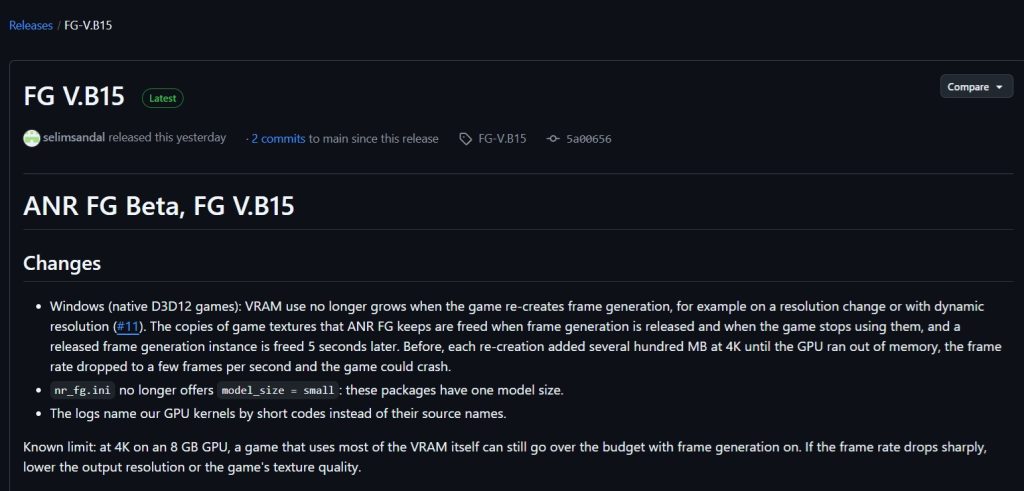
The release notes list a known limit: at 4K on an 8 GB GPU, a game that uses most of the VRAM itself can exceed the memory budget with frame generation enabled. Lowering the output resolution or texture quality is the suggested fix.
Enabling multi frame generation on older GeForce GPUs
The test system uses a GeForce RTX 4060 Laptop GPU, which officially supports only 2X DLSS Frame Generation. To run higher multipliers, the testing uses dashdogy’s Universal MFG Unlocker, a community-developed modification that enables higher DLSS Multi Frame Generation multipliers on compatible older GeForce cards, including RTX 40 Series hardware. Hardware Unboxed recently found that a modded RTX 3090 produced interpolation quality virtually identical to an RTX 5090, and it also ran higher multipliers on the Ampere card. Identical performance and latency across GPUs is not guaranteed, however.
Valor Mortis at 2X: higher average, weaker lows
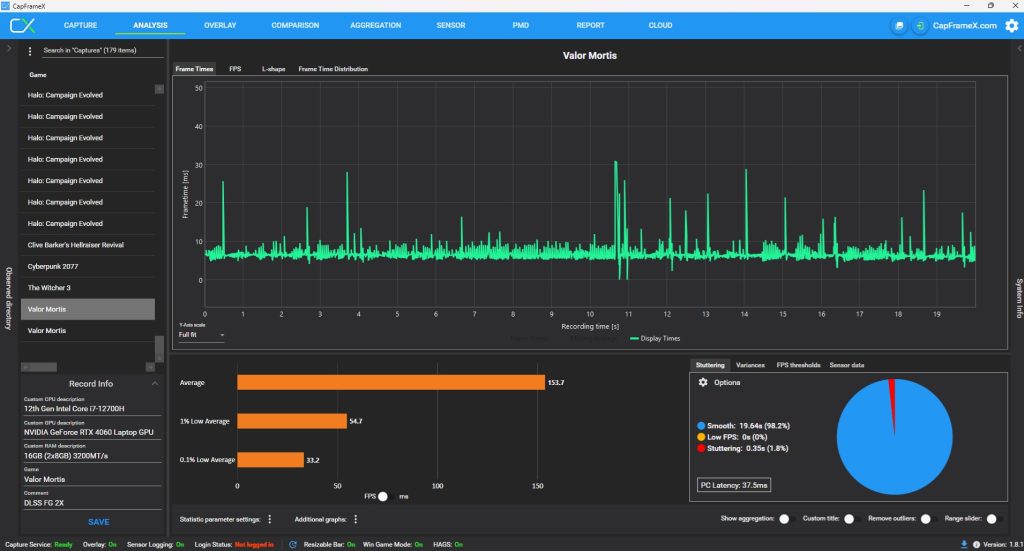
In Valor Mortis, Apex Neural Rendering FG averaged 170.6 displayed FPS, against 153.7 FPS for NVIDIA DLSS FG, an 11% gain. The advantage disappears in the lower percentiles. DLSS reached 54.7 FPS in 1% lows, while Apex Neural Rendering reached 41.3 FPS. In 0.1% lows, the gap is wider: 33.2 FPS for DLSS against 18.5 FPS for Apex Neural Rendering, a 44% drop. CapFrameX also recorded about 3.5% of frame time spent stuttering for Apex Neural Rendering, compared with 1.8% for DLSS.
Reported PC latency was close, with Apex Neural Rendering at 35.5 ms and DLSS at 37.5 ms. Visual comparisons showed motion that felt relatively comparable between the two, with flickering and ghosting generally well controlled. Because 2X adds only one generated frame, the tests note that errors may be more visible at higher multipliers.
Cyberpunk 2077 at 3X: close numbers, visible flaws
Cyberpunk 2077 at 3X Multi Frame Generation produced a much closer result on paper. Apex Neural Rendering MFG averaged 224.1 displayed FPS, compared with 218.8 FPS for DLSS MFG, a 2.4% advantage. The 1% lows were nearly identical at 108.3 FPS and 109.2 FPS. DLSS held a clearer lead in 0.1% lows, at 73.3 FPS against 64.7 FPS, roughly a 12% deficit for Apex Neural Rendering.
Stuttering was minimal for both, at about 0.2% for DLSS and 0.3% for Apex Neural Rendering. Apex Neural Rendering reported lower PC latency, 41.8 ms against 45.3 ms. The visual comparison told a different story. Apex Neural Rendering showed more flickering, weaker temporal stability and more interpolation artifacts during camera movement, and the motion looked more jittery. The tested configuration also did not interpolate HUD and UI elements, so they updated at the lower base frame rate while the game world looked smoother.
The Witcher 3 at 4X and what to watch next
The final comparison pits DLSS MFG 4X against Apex Neural Rendering MFG 4X in The Witcher 3: Wild Hunt, Remastered. The visual overhaul, released in September 2026, introduced Path Tracing to the game.
The benchmarks are short, with roughly 20-second captures for each implementation, so the results are indicative rather than statistically complete, especially for rare frame time spikes. YouTube compression can also hide fine detail and add artifacts, which makes the visual comparisons harder to judge. Apex Neural Rendering’s Super Resolution and Ray Reconstruction components have not yet reached beta.