

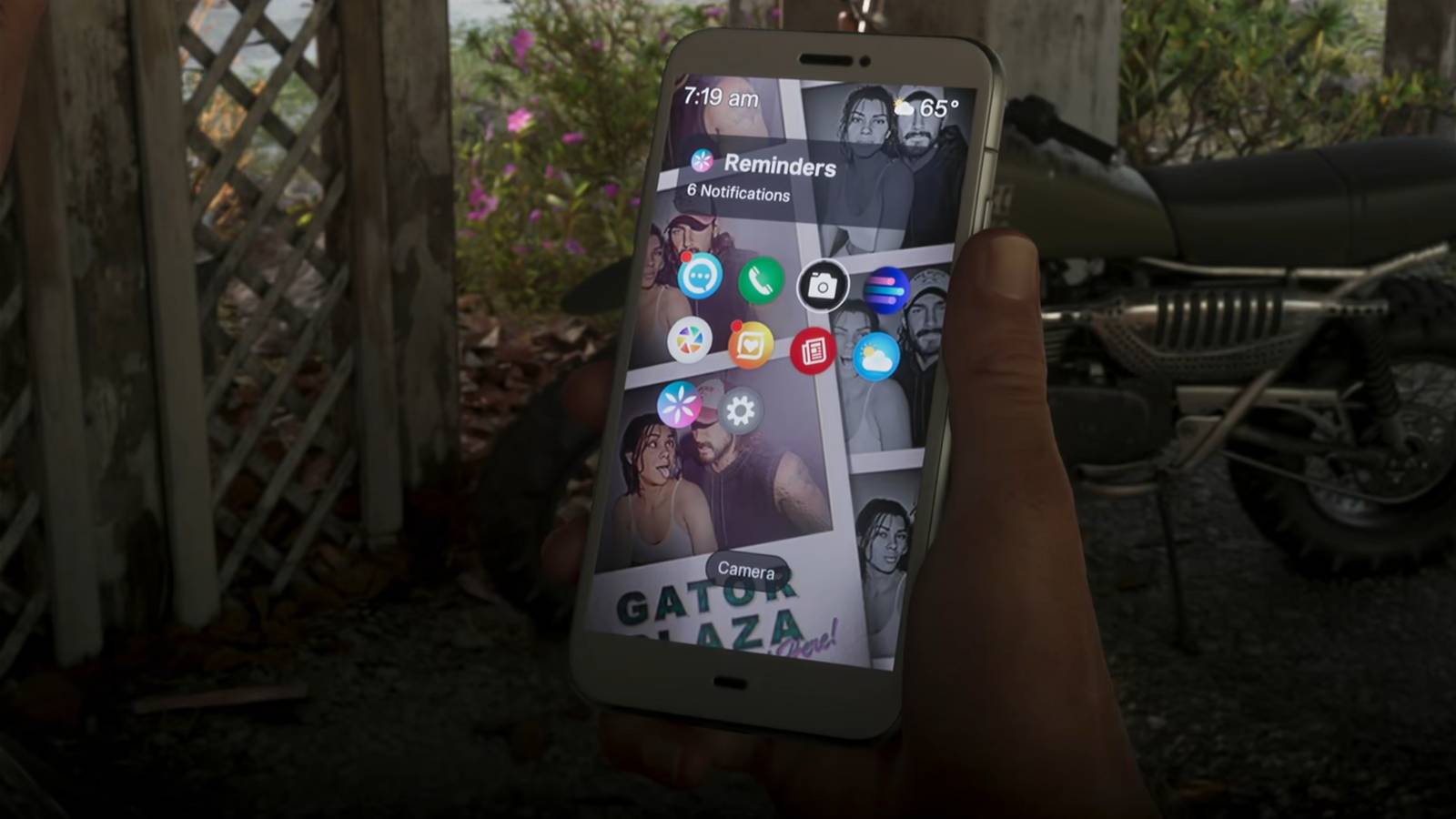
The GTA 6 phone acts as a critical interface for managing missions, finances, and social interactions throughout the game’s expansive open world. As players step into the state of Leonida, this digital tool becomes the primary hub for navigating the environment, coordinating complex heists, and maintaining connections with key characters. Mastering the device is essential for success, as it integrates deeply into almost every aspect of gameplay, from simple navigation to managing personal relationships.
Accessing the interface in Leonida
Players can pull up their GTA 6 phone at any moment by pressing the D-Pad Up button on their controller. This action is available early in the game, specifically during the prologue, as soon as players take control of Jason while on the boat. Similar to previous entries in the series, the interface does not pause the game. This design choice means that pulling out the device during a high-stakes moment, such as a hostile encounter or while driving at high speeds, carries inherent risks. Players must choose their moments carefully to avoid being caught off guard by enemies or traffic.
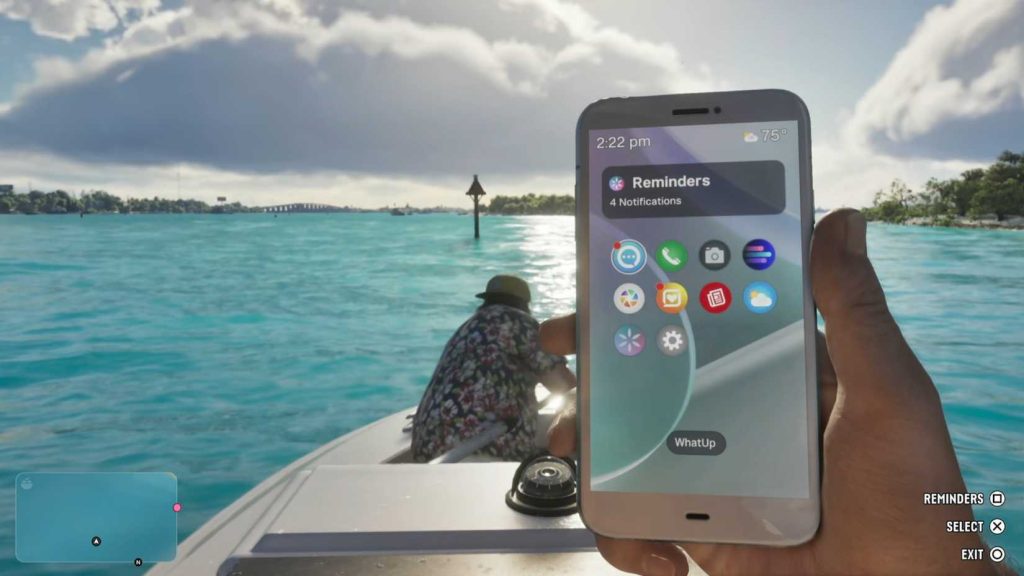
The GTA 6 phone is not merely a static menu but a dynamic tool that evolves as the story progresses. New applications will unlock as players move through the narrative, expanding the functionality of the device. One notable addition is the BuckMe banking app, which becomes available later in the game. This app serves as a central point for managing finances, reflecting the game’s focus on realistic life simulation within the criminal underworld of Leonida.
Core applications and functionality
The functionality of the GTA 6 phone is broad, covering everything from communication to utility. The messaging application allows players to send and receive texts with their contacts, keeping them updated on mission objectives and social developments. For those who need to get around the map quickly, a ride-hailing app, which functions as a spoof of services like Uber or Lyft, provides a fast travel option. While this service is convenient, it requires in-game currency to use.
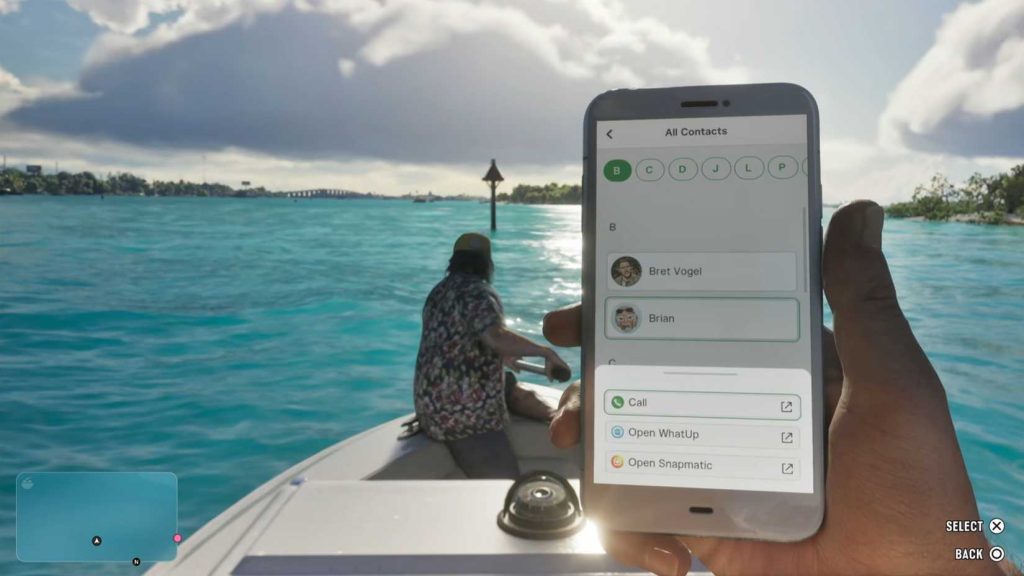
Financial management is handled through a spoof of Venmo, which allows players to send and receive money, as well as make various purchases. Beyond finances, the device includes a camera application for taking photos and selfies using both the front and rear lenses. Snapped images are stored and can be viewed through a dedicated gallery app. For social interaction, a spoof of Snapchat enables players to view videos and images online, while an online news app provides the latest headlines and updates from across Leonida. The device also includes a weather app for checking forecasts, a fitness tracker for monitoring physical stats against personalized goals, and a scanner application that provides detailed information about targeted vehicles.
Managing relationships and social dynamics
A unique aspect of the GTA 6 phone involves its role in character dynamics. Interactions with Lucia are influenced by the player’s choices, including how they respond to her messages or their failure to respond at all. These interactions directly impact the relationship status between the two characters, potentially raising or decreasing their bond. This mechanic emphasizes the importance of communication, as the device serves as the primary medium for these critical narrative exchanges.
Customization and personalization
Rockstar Games has provided extensive options for players to personalize their GTA 6 phone. By navigating to the settings menu within the device, users can change both the wallpaper and the ringtone. There are 25 different wallpapers available, allowing players to tailor the look of the interface to their preference.
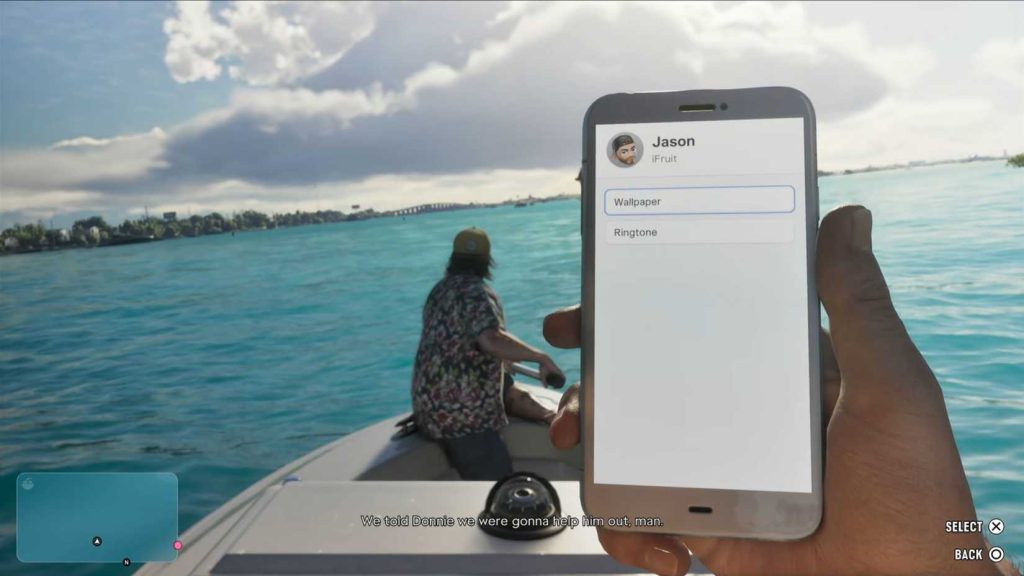
The audio experience is equally customizable, with 11 different ringtones to choose from. Selecting a ringtone changes the vibration pattern of the controller when receiving a call, providing tactile feedback. For PlayStation 5 players, the experience is further enhanced as the ringtone audio plays directly through the DualSense controller’s speaker, adding a layer of immersion to the experience of receiving in-game calls.
The GTA 6 phone is clearly designed to be more than just a menu system. It is a fully realized companion tool that mirrors the complexity of modern technology. Whether players are checking their bank balance, tracking their fitness, or just changing their ringtone, the device remains a constant presence throughout the journey in Leonida.